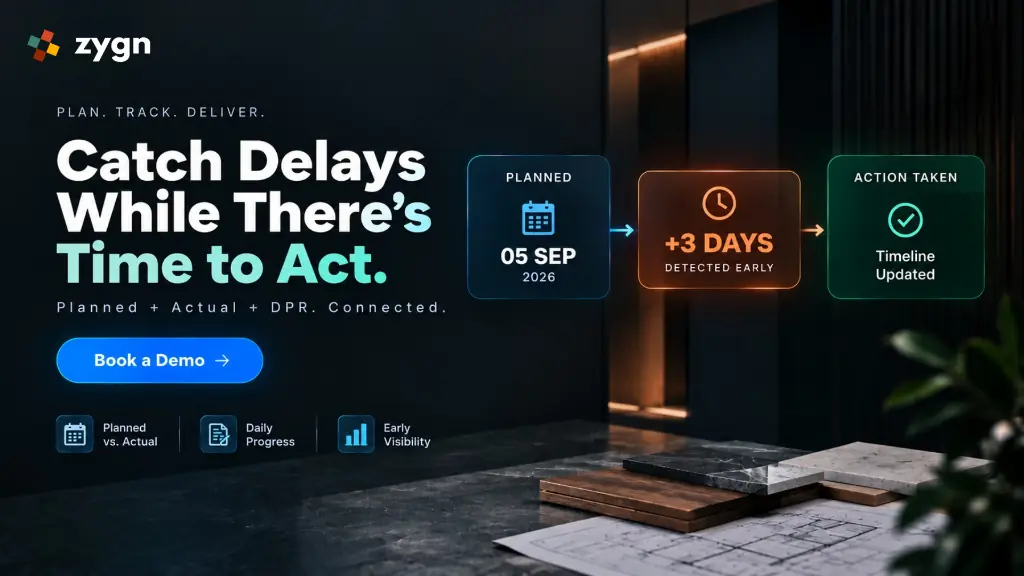
By the time most interior design and construction teams realize a project is behind schedule, it usually already is, by two weeks, sometimes more. The plan said one thing; what actually happened on site or in the studio was something else, and nobody was comparing the two closely enough to notice the gap early. Understanding how to catch project delays early through planned vs actual project tracking is the practice that closes that gap, and it's simpler to put in place than most teams expect.
What Is Planned vs Actual Tracking?
Planned vs actual tracking is the practice of recording both the scheduled dates for a task (planned start and planned end) and the real dates it actually started and finished, then comparing planned vs actual dates continuously throughout the project rather than only at the end.
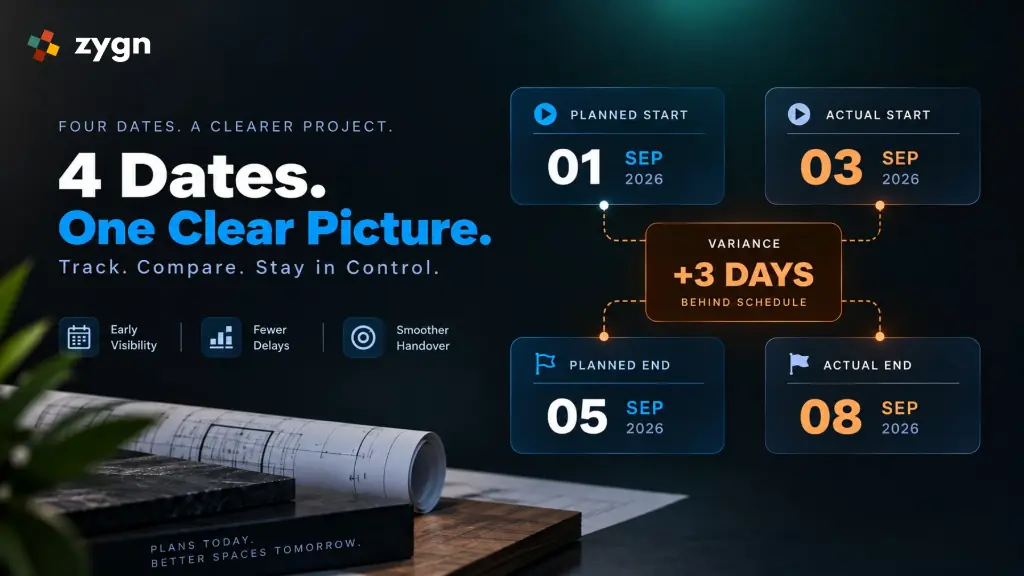
In practice, this means tracking four key data points for every task: Planned Start Date → Actual Start Date → Planned End Date → Actual End Date. The gap between the planned and actual columns is where delays become visible, often well before they affect the final handover date.
Why a Project Plan Alone Isn't Enough
A project schedule created at kickoff answers one question: what was supposed to happen. It says nothing about real-time execution tracking once work begins.
This matters because:
- A plan is a snapshot, not a live record. The moment the first task runs a day late, the original plan stops being accurate, but it doesn't update itself.
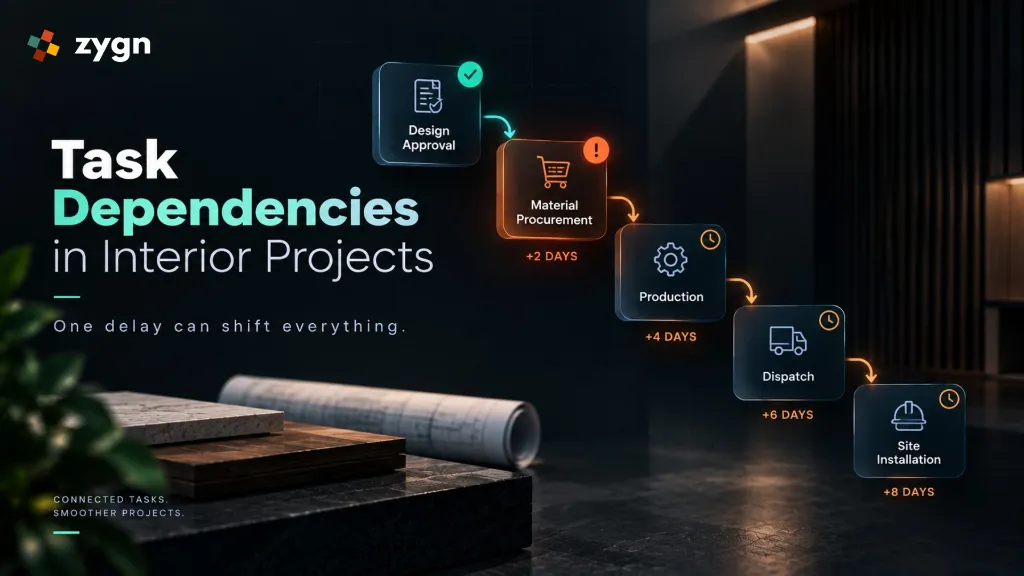
- Small delays are easy to miss individually. A two-day delay in a single procurement task doesn't look urgent on its own. It only becomes urgent once you see it's pushed back three dependent site activities.
- Without systematic project delay tracking, there's no early warning. Teams typically discover they're behind schedule when a deadline is missed, not when the first task started slipping.
Tracking actual execution against the plan is what lets a manager control the project rather than simply document it.
How to Track Planned vs Actual Progress in Interior Design Projects
Step 1: Record Planned Dates for Every Task
Before work begins, set a planned start date and planned end date for each task and subtask in the project, not just the overall project deadline. Every key project milestone and task dependency should be part of this plan from the start, since a delay in one task often affects others.
Step 2: Log Actual Start and End Dates As They Happen
As each task begins and finishes, record the actual start date and actual completion date, ideally as they occur, not reconstructed later from memory or old messages. This live execution tracking is where most manual systems break down: an actual date logged a week after the fact is far less useful than one logged the same day.
Step 3: Compare Planned vs Actual Dates Continuously
Reviewing planned vs actual dates should be a routine check, not a one-time review at project close. Tasks that started late, tasks running beyond their planned completion date, and activities that may affect the overall timeline should all be visible at a glance, not buried inside a spreadsheet that needs to be manually recalculated.
Step 4: Use Daily Progress Reports to Capture the “Why”
Dates alone show that something is late; they don't show why. This is where implementing a Daily Progress Report interior design workflow and using a structured DPR for construction projects comes in.
What Is a Daily Progress Report (DPR)?
A Daily Progress Report is a daily record of what happened on a project: work completed, work in progress, progress percentage, site observations, images, attachments, and comments, logged against the specific task it relates to. It serves as a comprehensive site progress update.
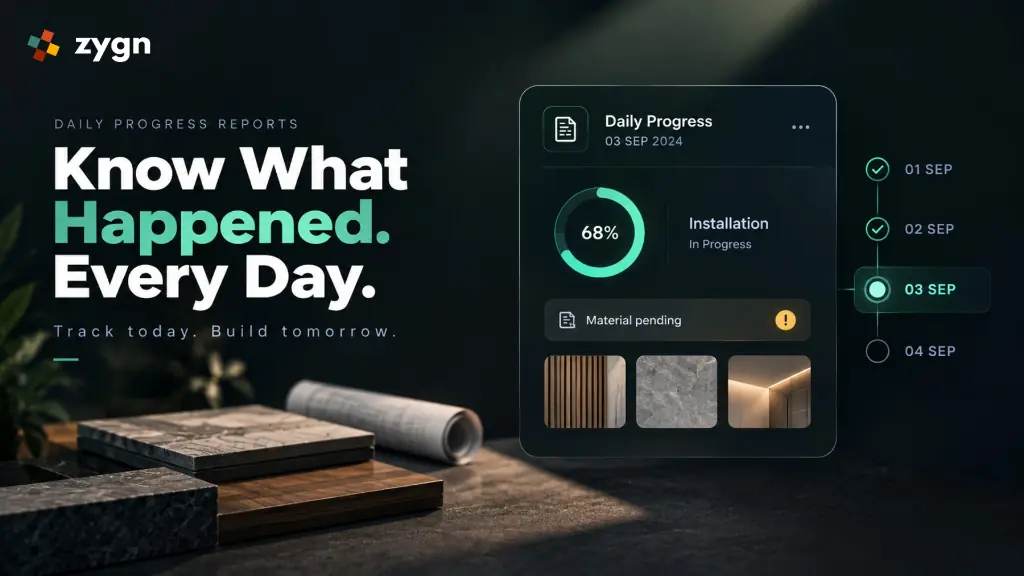
Instead of relying on scattered WhatsApp updates that are easy to lose track of, a DPR creates a continuous, dated record of execution. When a task is confirmed to be running late, the DPR history usually explains why: a material that hadn't arrived, a site that wasn't ready, or an approval still pending, which turns a delay from a mystery into a solvable problem.
Daily Progress Report Format for Construction Projects
A standardized daily progress report format for construction projects and interior fits should capture:
- Work completed that day
- Work currently in progress
- Progress percentage against the task
- Site observations or notes
- Supporting images or attachments for each site progress update
- Comments or updates from the team on site
Planned vs Actual Tracking in Practice: A Simple Example
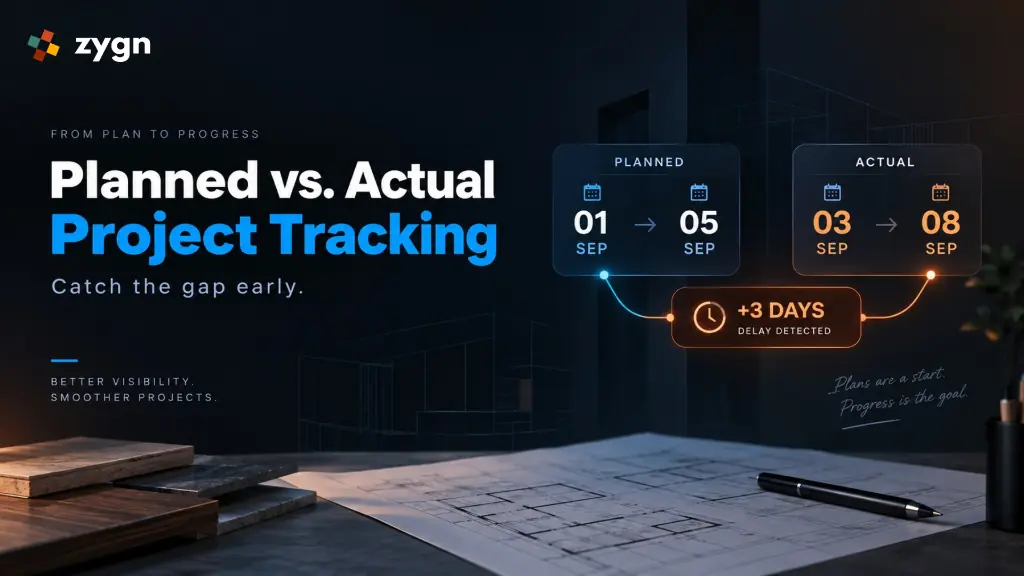
Consider a site installation task planned to run from the 1st to the 5th of the month.
| Metric | Planned | Actual |
|---|---|---|
| Start Date | 1st (Planned Start Date) | 3rd (Actual Start Date: delayed 2 days) |
| End Date | 5th (Planned End Date) | 8th (Actual End Date: delayed 3 days) |
| Status | On schedule | 3 days behind |
Tracked this way, the delay is visible from the 3rd, the day the task actually started, rather than the 8th, when it was supposed to have finished. That three-day head start is often the difference between quietly recovering the schedule and a delay that cascades into every dependent task after it.
Turning Tracking Into Action
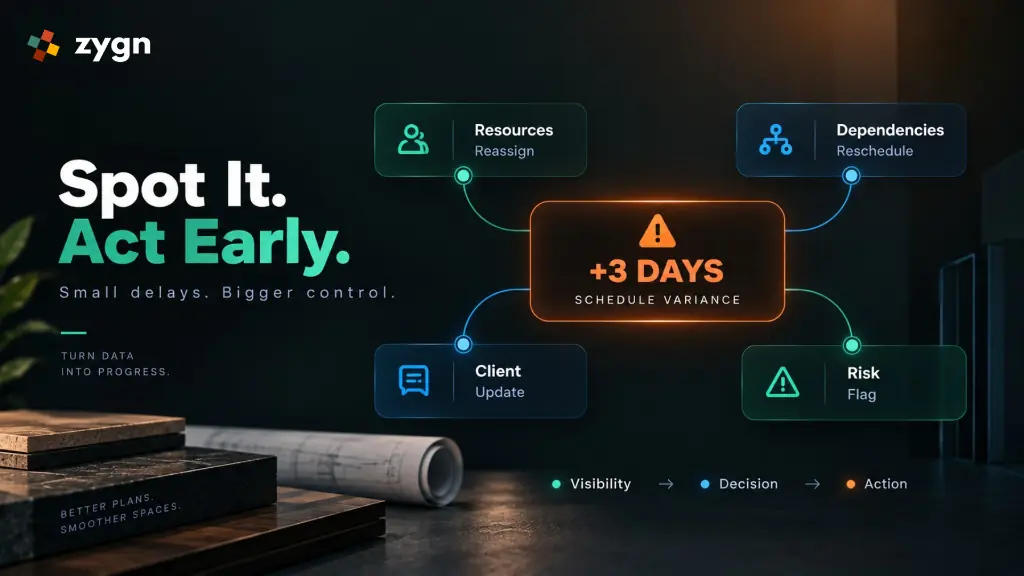
Effective project delay tracking and planned vs actual monitoring are only useful if they lead to action. Once a gap between planned and actual dates is visible, a manager can:
- Reassign resources to the delayed task
- Communicate a revised timeline to the client before they ask
- Check whether dependent tasks need to be rescheduled
- Flag the underlying cause (a vendor delay, a pending approval) as a project risk to watch going forward
How zygn Supports Planned vs Actual Tracking
zygn acts as modern project progress tracking software that lets interior and construction teams record planned and actual dates for every task, log Daily Progress Reports directly against the project timeline, and see at a glance which activities are on schedule, delayed, or at risk. Instead of comparing a spreadsheet against a WhatsApp thread, planned and actual progress live in the same view, so the gap between the two is visible the moment it appears, not weeks later.
This connects naturally with zygn's broader project management capabilities, including task dependencies, each project milestone, and risk tracking, as well as related workflows like BOQ management and procurement management that often sit upstream of the delays a DPR ends up explaining.