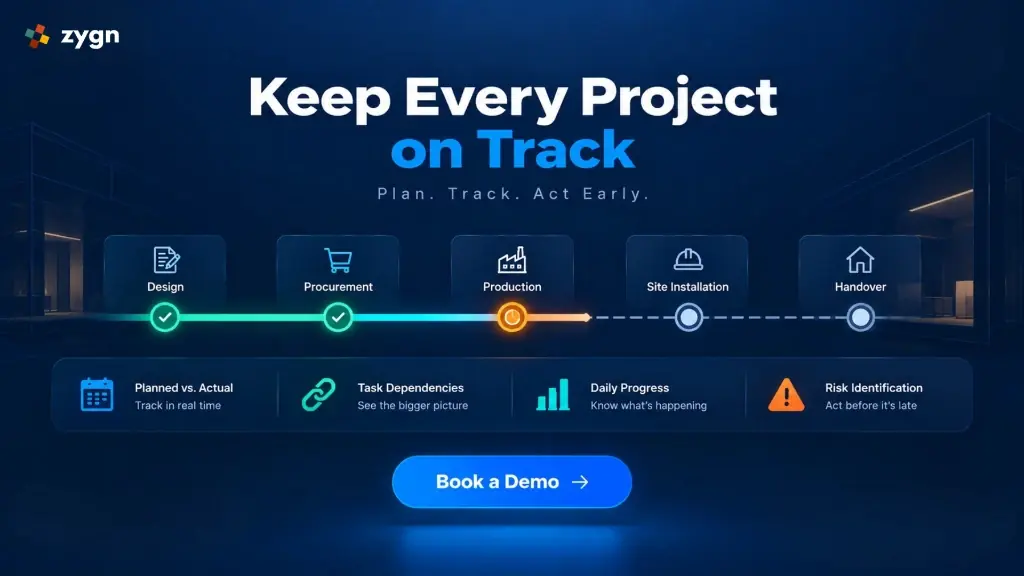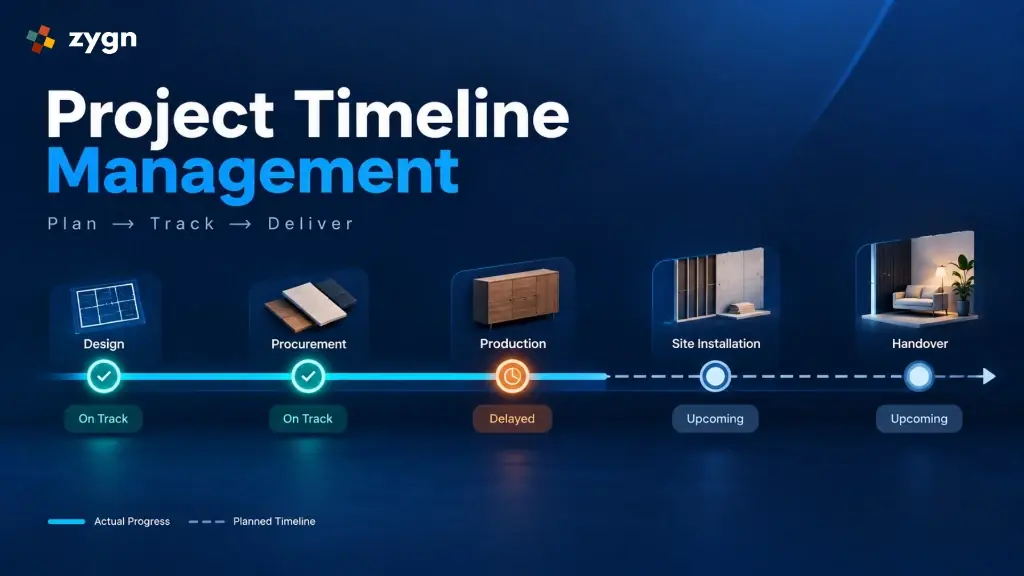
Interior and construction projects rarely fall behind because no one made a schedule. They fall behind because the schedule stops reflecting reality within the first two weeks a material order slips, a design approval takes longer than expected, and nobody updates the plan to show it. Purpose-built project timeline management software solves this by keeping the planned schedule and actual, on-ground progress connected in one place, so delays are visible while there's still time to act on them.
Whether you're looking for project timeline management software for interior design firms or comprehensive project timeline software for construction companies, this article explains what to look for, why spreadsheets and WhatsApp updates make tracking harder than it needs to be, and how modern systems keep projects on track.
What Is Project Timeline Management Software?
Project timeline management software is an integrated project execution software system that lets teams plan project schedules, track actual execution against that plan, manage task dependencies, and perform proactive project risk tracking all from one connected workspace instead of separate spreadsheets, chat threads, and paper trackers.
Unlike a static timeline created once at project kickoff, deploying timeline tracking software for interior projects ensures your schedule is updated continuously, reflecting live site execution rather than just the original plan.
Why Interior and Construction Timelines Break Down
A single interior or construction project involves multiple parallel streams of work (design, procurement, production, site execution, and handover), each with its own pace and points of failure. Without dedicated interior project timeline software or construction project timeline software, three problems show up repeatedly:
- No single source of truth. The plan lives in one spreadsheet, updates live in a WhatsApp group, and site photos live in someone's phone gallery. No one has the full picture at once.
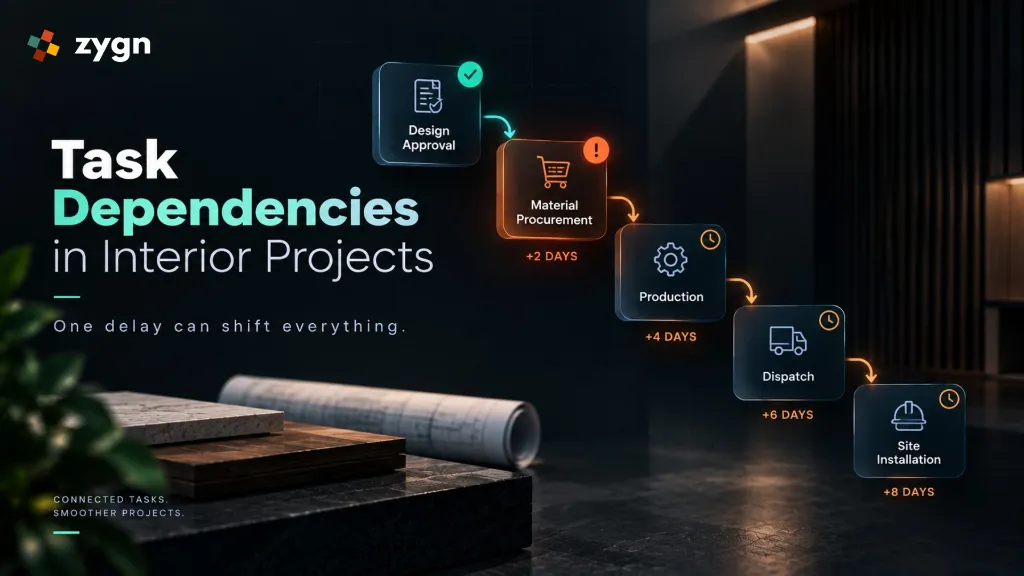
- Delays go unnoticed until they're serious. A small delay in one task (a late material delivery, for example) doesn't get flagged until it has already pushed back two or three dependent tasks.
- No record of what actually happened. Without a consistent daily record of progress, teams end up reconstructing project history from memory when disputes or delays need to be explained.
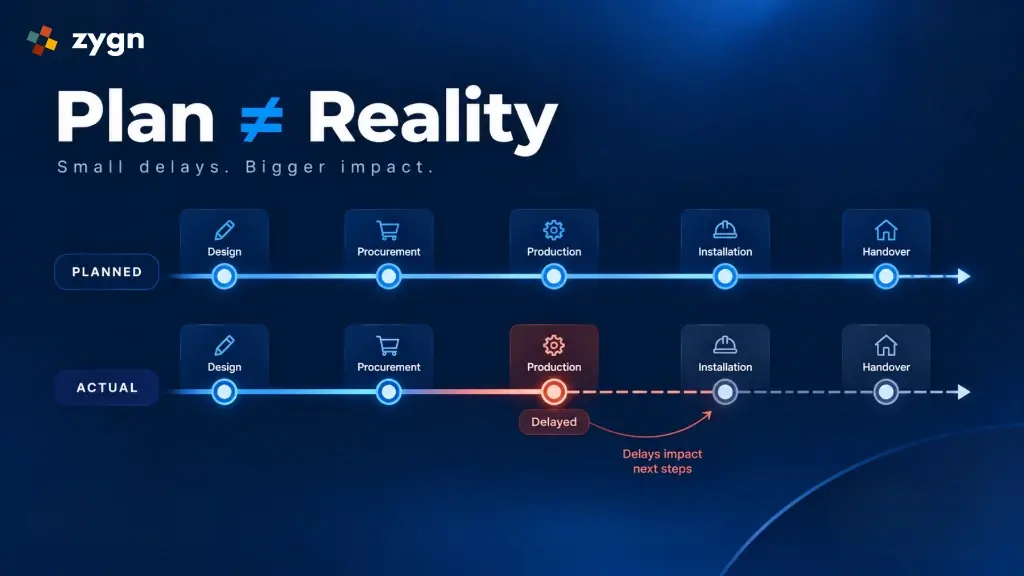
A small delay in one activity can affect several dependent tasks and ultimately impact the overall project completion date, which is exactly why using planned vs actual tracking software is essential for project managers.
Core Capabilities of Project Timeline Management Software
Planning the Project Timeline
A complete project execution plan created in project scheduling software for interior design defines the planned start date, planned end date, project milestones, tasks and subtasks, task dependencies, responsible team members, and execution sequence. This gives project managers a clear view of what needs to be completed before work begins.
Tracking Planned vs Actual Progress
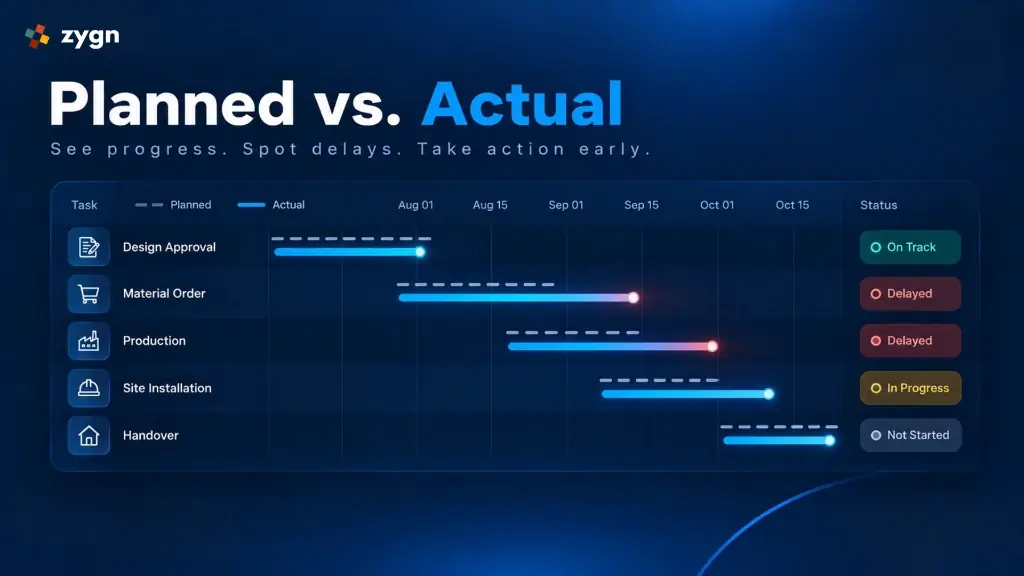
Planning is only the first step. Tracking actual execution is what lets a manager control the project rather than just document it. This means comparing planned vs actual dates (Planned Start → Actual Start → Planned End → Actual End) for every task, so it's immediately visible which tasks started late or are running beyond their schedule.
Managing Task Dependencies
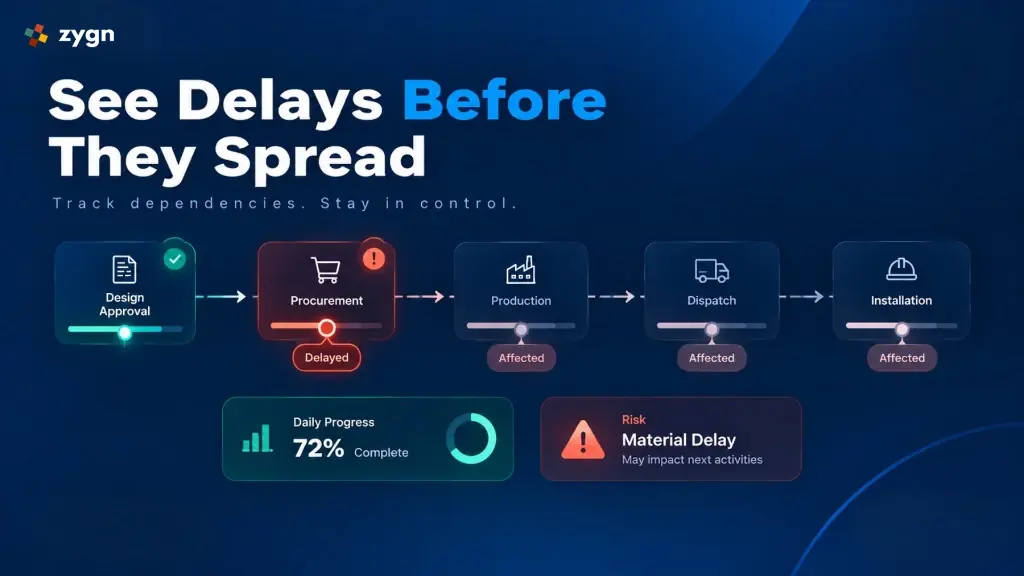
Interior and construction activities are interconnected: a typical sequence looks like Design Approval → Material Procurement → Production → Dispatch → Site Installation. Mapping these task dependencies makes it possible to see the downstream impact of a delay before it spreads.
Daily Progress Reports (DPR)
Project progress changes every day, and a Daily Progress Report (DPR) captures work completed, work in progress, progress percentage, site observations, images, and comments recorded directly against the project timeline instead of scattered across chat messages.
Checklist-Based Task Execution
Attaching a checklist to individual tasks gives managers task-level visibility and helps teams follow a consistent process on every project milestone.
Project Risk Tracking
Effective project risk tracking flags material delays, design approval bottlenecks, site readiness issues, and vendor delays early, so problems can be addressed while the project is still on schedule.
Planned Timeline vs Live Execution System
| Feature / Aspect | Static Timeline (Spreadsheet) | Project Timeline Management Software |
|---|---|---|
| Created | Once, at project kickoff | Continuously updated |
| Reflects | What was planned | What was planned vs actual dates |
| Delay visibility | Discovered after the fact | Flagged as it happens |
| Task dependencies | Manual, easy to miss | Mapped and tracked |
| Progress record | Scattered across chats/notes | Centralized Daily Progress Report |
| Risk tracking | Informal, reactive | Structured project risk tracking |
What to Look for When Choosing Project Timeline Management Software
- Planned vs actual date tracking: Track actual progress dates against planned timelines.
- Dependency mapping between tasks: Connect task dependencies so downstream impact is visible immediately.
- Daily Progress Report capture: Log daily site updates, including photos and site notes.
- Task-level checklists: Standardize execution quality across every project milestone.
- Project risk tracking: Keep risks visible at the project level.
- Business system integration: Function as complete planned vs actual tracking software integrated with procurement and accounting.
How zygn Supports Project Timeline Management
zygn's project timeline management software brings project planning, planned vs actual dates tracking, task dependencies, Daily Progress Report logs, checklist execution, and project risk tracking into one centralized workspace built for interior design and construction teams.
Because zygn connects project management with CRM, BOQ, procurement and other operational workflows, your project timeline isn't managed in isolation.