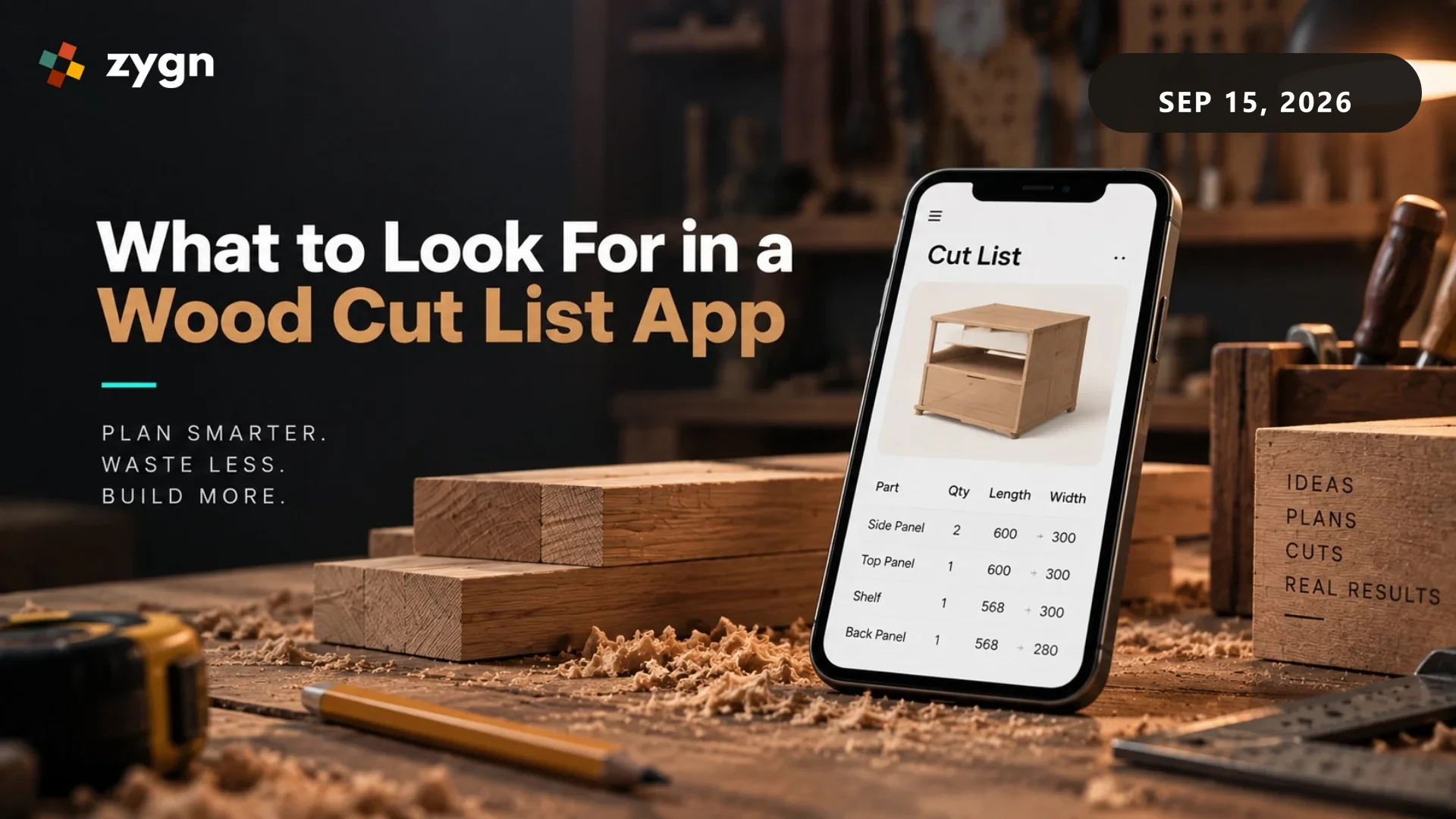
If you're a hobbyist woodworker or run a small workshop, you don't need a full production-management platform - you need something simple on your phone that helps you plan cuts and avoid wasting lumber. Here's what actually matters when picking a wood cut list app for that kind of use.
What a Wood Cut List App Should Do
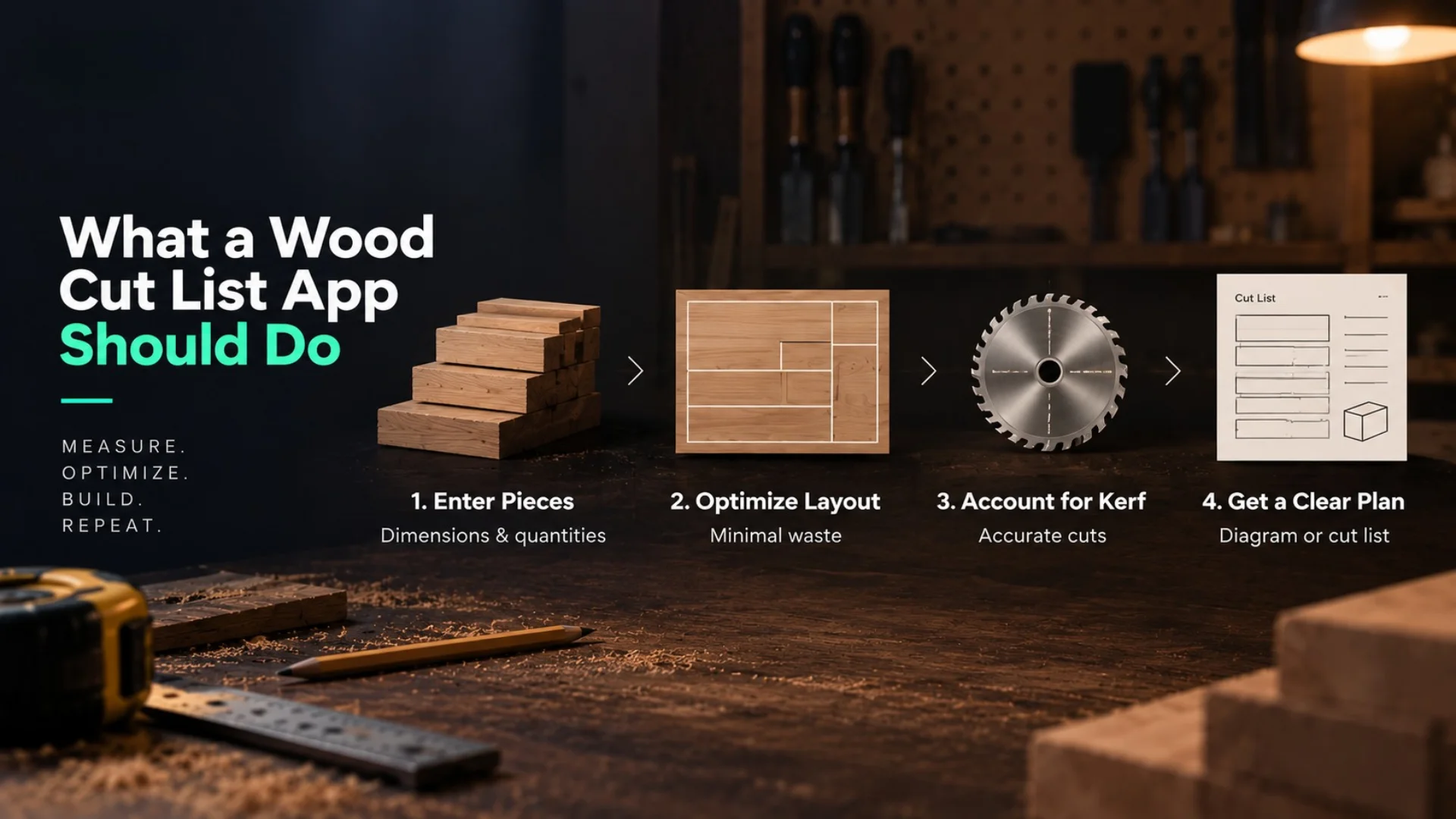
At minimum, a good wood cut list app should let you enter the pieces you need (dimensions and quantities), tell you how to lay them out across your available boards or sheets with minimal waste, account for your saw's kerf so the math is actually accurate, and give you a simple diagram or list you can follow at the saw - not just a total waste percentage that doesn't tell you how to cut anything.
Mobile App vs. Desktop Cutlist Software
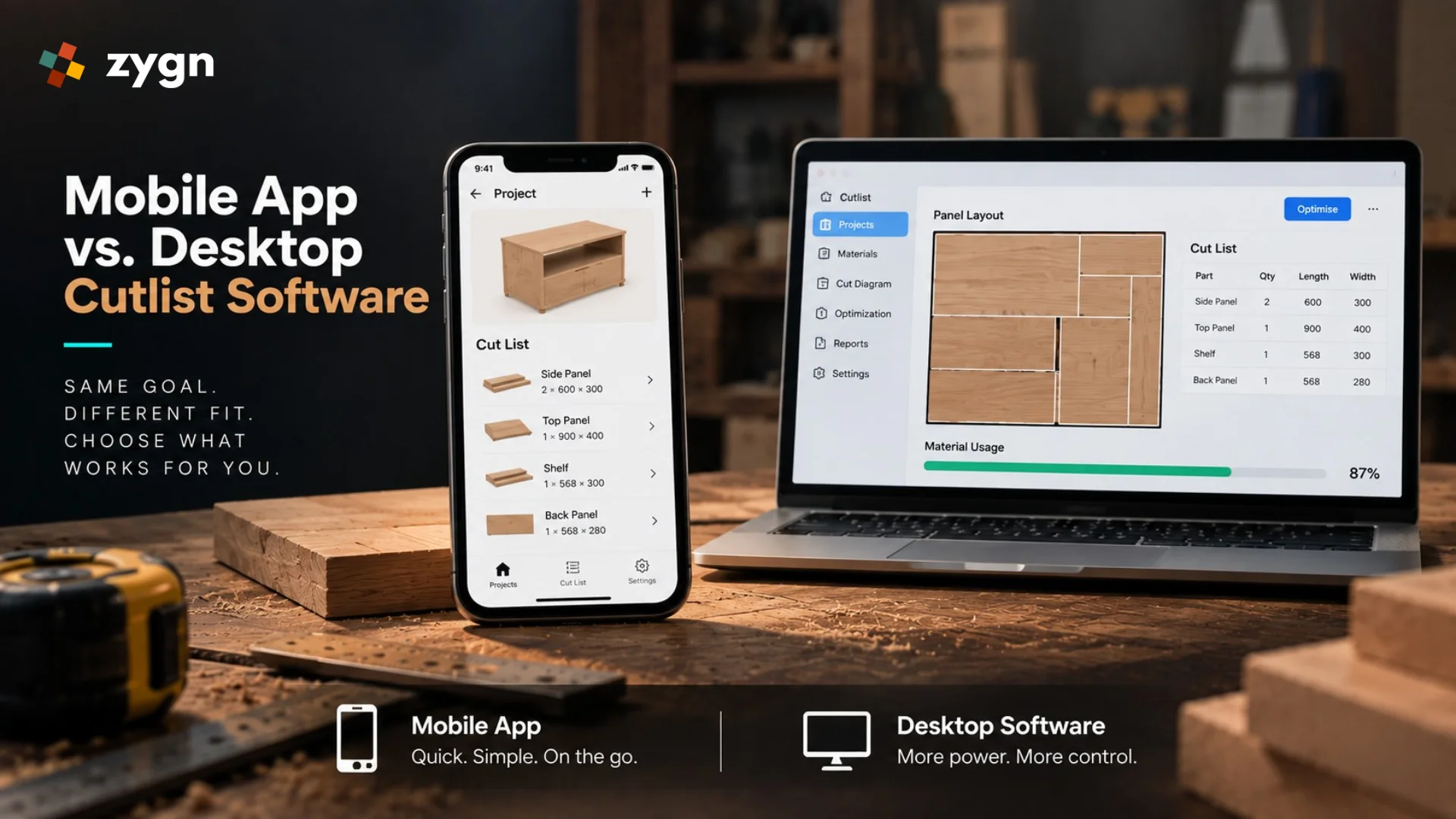
A mobile app is the right fit if you're planning cuts in the shop, want something quick for a single project, and don't need to manage material inventory or job costing. Desktop cutlist software tends to offer more advanced optimization and reporting, and makes more sense if you're running a small business rather than building furniture as a hobby. Most hobbyists are better served by a simple, fast mobile app than by a full desktop optimization suite built for production shops.
Free vs. Paid: What You Actually Need
Free wood cut list apps are usually enough for occasional, smaller projects - a single piece of furniture, a shelving unit, a few boxes. If you're running projects regularly with dozens of cuts, a paid app with better optimization and the ability to save/reuse material lists will likely save you more in reduced waste than the subscription costs.
Common Mistakes When Planning Wood Cuts Manually
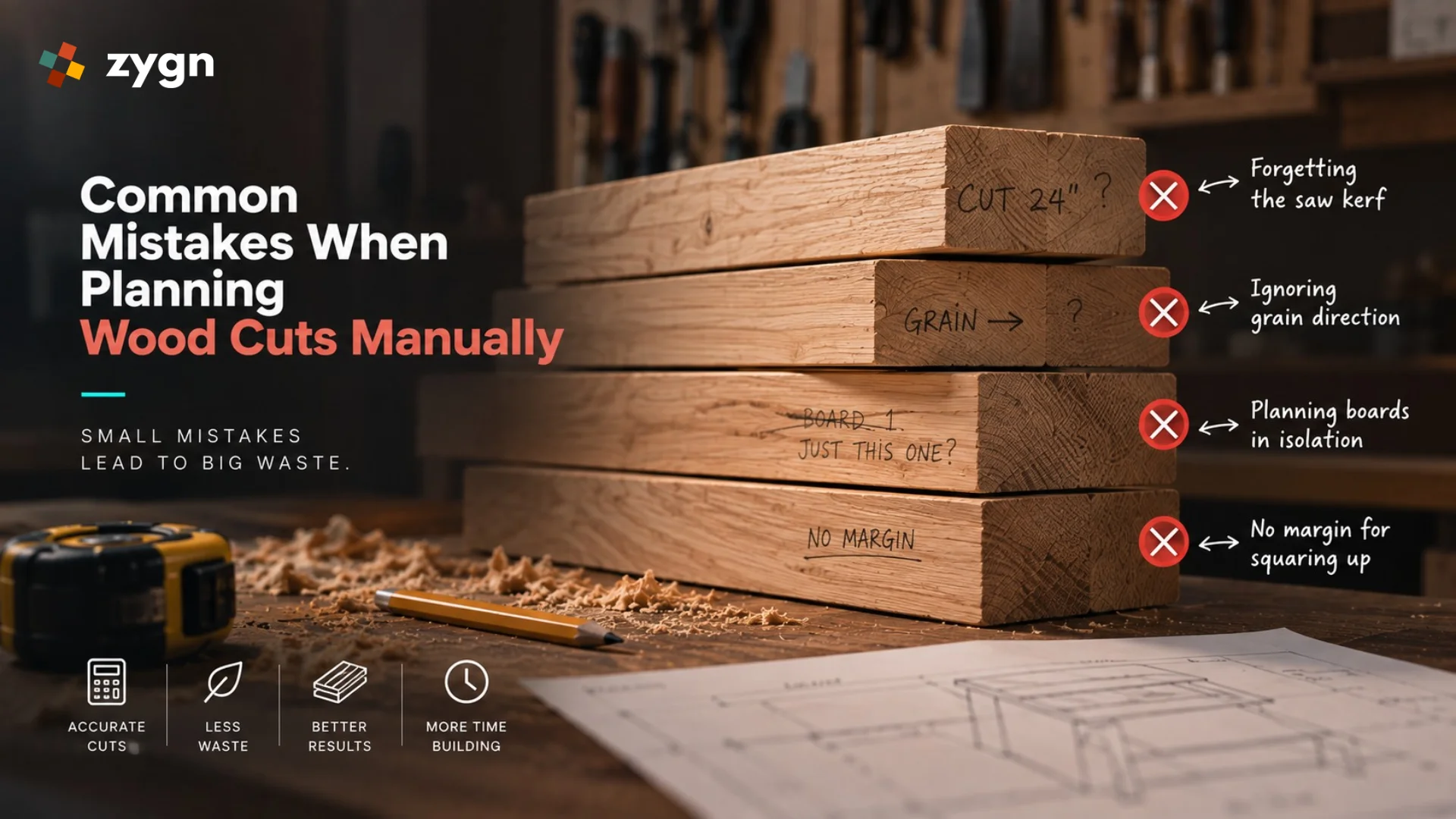
The most common mistakes are forgetting to account for the saw's kerf (which adds up fast across many cuts), not accounting for grain direction on visible pieces, planning each board in isolation instead of across the whole project (which wastes more material overall), and not leaving a small margin for squaring up rough-cut edges. A cut list app handles all of this automatically, which is exactly why it's worth using even for a single project.
Is a Cut List App Enough, or Do You Need Full Production Software?
For personal projects and small workshops, a cut list app is genuinely enough - you don't need job costing, inventory management, or production scheduling for a weekend build. If you're running a small furniture-making business with regular material purchasing, staff, and multiple jobs in progress at once, it's worth looking at fuller cutting list / cutlist optimizer software built for production use rather than a single-project mobile app.
Frequently Asked Questions
Are wood cut list apps free?
Many are, at least for basic use - a limited number of projects or pieces. More advanced optimization, saved material libraries, or unlimited projects are often behind a paid tier.
Do I need internet access to use a cut list app on a job site?
It depends on the app - many are designed to work offline once you've entered your project, which matters if you're in a workshop or job site with unreliable signal. Worth checking before you rely on one mid-project.
What's the difference between a cut list app and full cutting list software?
A cut list app is typically built for quick, single-project use on mobile. Full cutting list software (sometimes called cutlist optimizer software) is built for regular production use - handling multiple jobs, material inventory, and more advanced optimization and reporting.
Can a wood cut list app handle non-rectangular or angled cuts?
Most consumer-grade apps are built primarily for straight, rectangular panel and board cuts. Angled, curved, or highly irregular cuts often still require manual planning or a more advanced design tool - worth checking before assuming an app covers your specific project.
Do wood cut list apps account for wood grain direction?
Some more advanced apps let you lock grain direction per piece so the layout respects it; many basic/free apps don't. If grain-matching matters for visible furniture faces, check this specifically before relying on an app's automatic layout.
Plan Better Projects. Waste Less Wood.
Explore zygn's cutting list and workshop optimization software for growing design-build businesses.
Book a Free Demo →